 ELISSA Wiki
Run the Simulation
tbd
Single Freeflyer
Launch files for single FF simulations are provided for the Hamilcar and the Hannibal class.
To launch a simple simulation for a single Hamilcar class FF open a terminal session and enter:
roslaunch elissa3 hamilcar_single.launch lab_mode:=false sim_mode:=true
The lab_mode and sim_mode arguments must be set apropriately.
This will launch the simulation and spawn with the lead Hamilcar FF. An RViz visualization will pop up show the FF.
For details on other launch arguments that can be passed to the launch command, refer to the hamilcar_single.launch file.
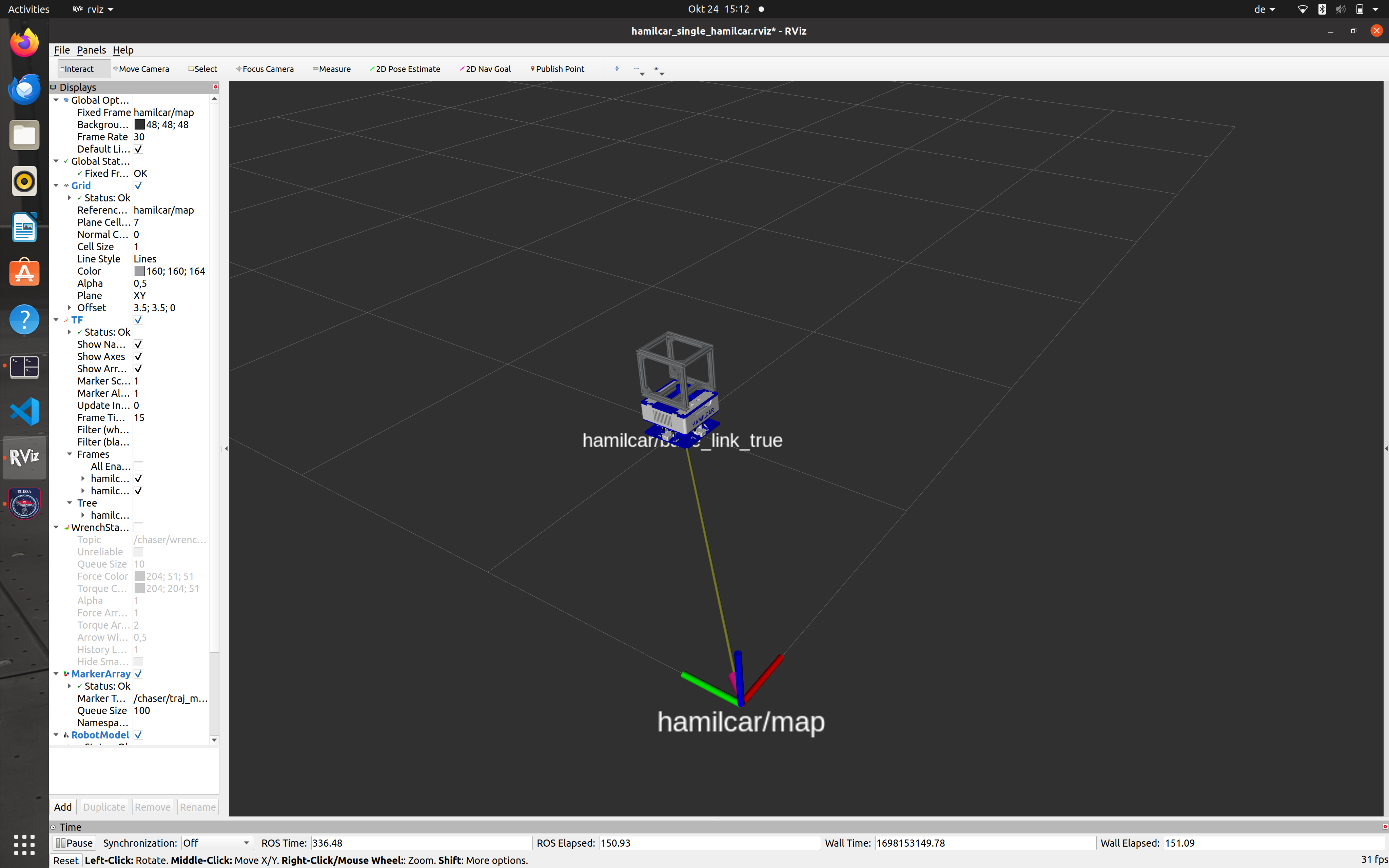
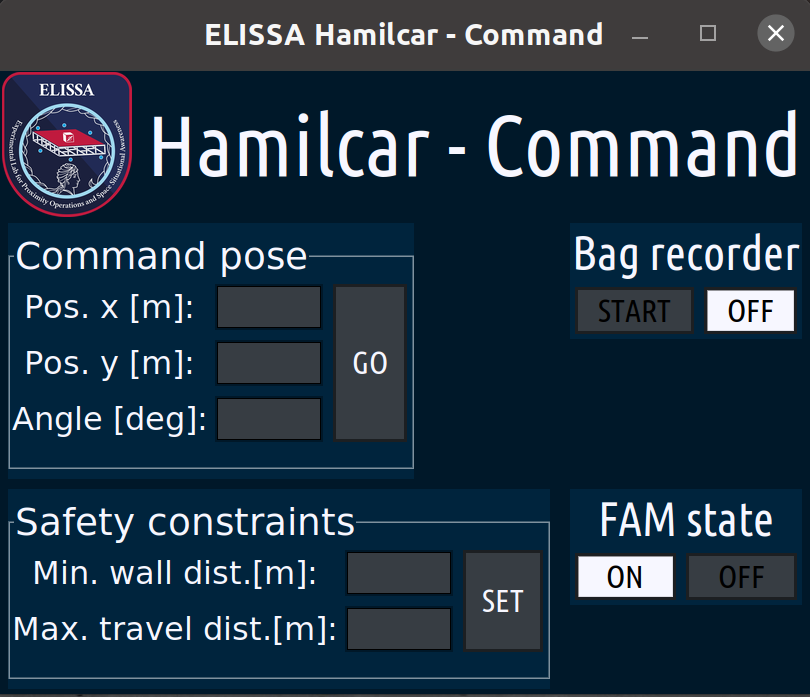
Controlling the FF can be done using either a teleop CLI or via a GUI.
The simple satellite command gui can be launched by opening another terminal session and entering:
rosrun elissa3_gui sat_com_app.py hamilcar
The name of the to-be controlled FF must be passed in all lower caps.
Multiple Freeflyer
tbd
Docking Scenario
The launch file for a docking scenario experiment is setup for simulation by default.
Open a terminal session and run:
roslaunch elissa3 docking.launch
This will automatically start the launch cascade. An RViz visualization will pop up with the Chaser and the Target spawned and their specified spawn points.
The Final Approach and Docking Operations Gui will also be launched automatically. The docking scenario is fully controlled through this GUI.
For details on the launch default refer to the docking.launch file.
Final Approach and Docking (FAD) specific parameters, such as approach velocities and final seperations after maneuver phases, can be set using the fad_params.yaml file.
This file is located in elissa3_fad/params/.
Printing Scenario
tbd